

It is possible to use various automatic and order-specific discounts in your online store.
Campaign discounts and discount coupons
The campaigns and discount coupons valid in the online store are automatically applied when the customer places an order, if their conditions are met.
It is not possible to add campaign discounts or discount coupons to orders through the admin panel.
Product-specific discounts
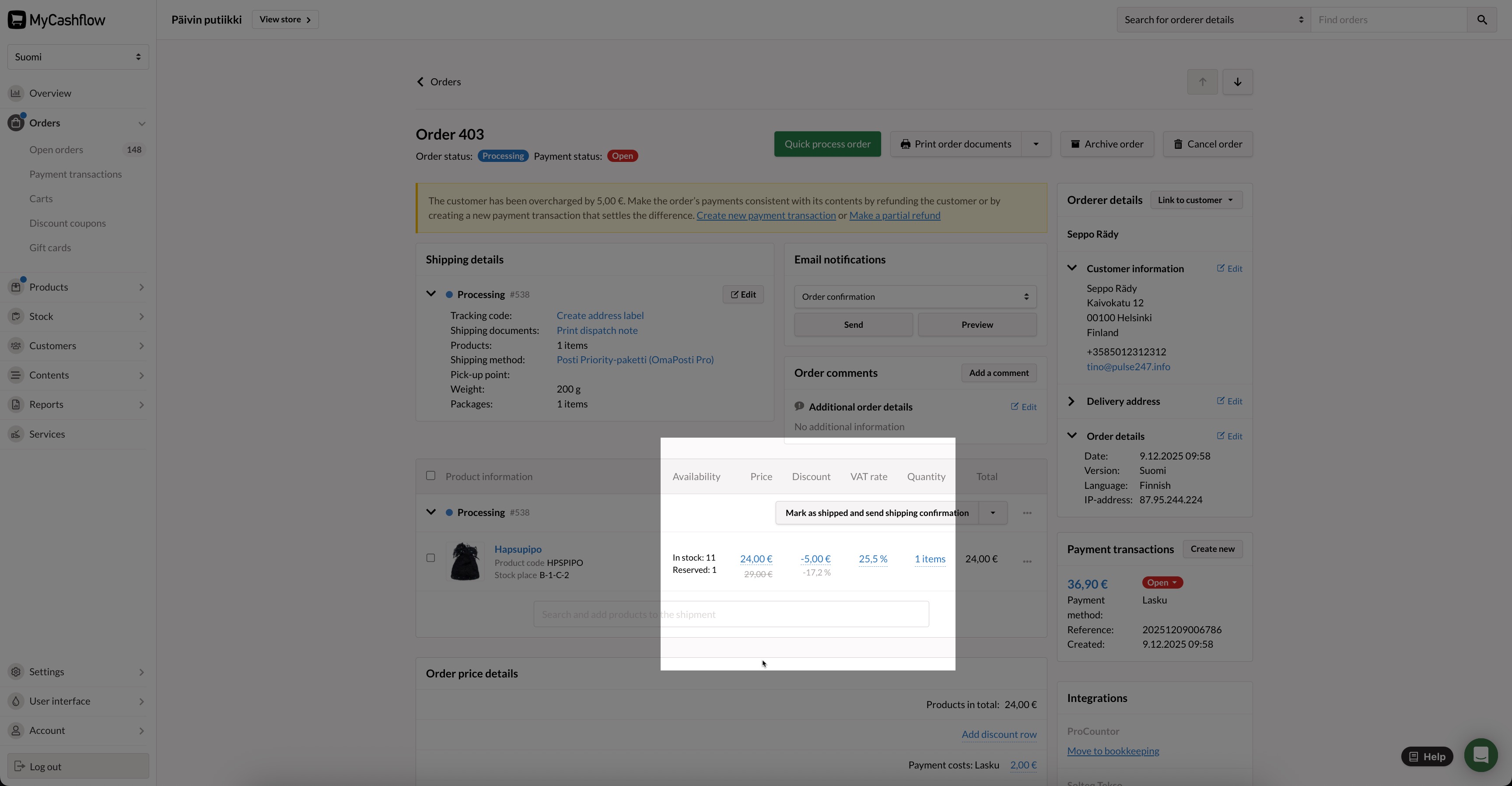
You can add discounts to individual order products during order processing.
Add a discount to the product line in the Discount column by pressing the discount amount. You can set the discount as a percentage or a fixed amount in euros and apply the same discount to all items in the shipment if needed.
Discount rows applied to the order total
When the order is still being processed, you can add discount rows in euros to the order total.
Add a discount row in the order page's Order price details section by pressing the Add discount row link.
Customer group-specific discounts
Campaign discounts targeted at specific customer groups will be automatically applied if the eligible customer is logged in when placing an order.
It is not possible to add customer group-specific discounts to orders through the admin panel. If you want to grant discounts to the customer, use the above-mentioned shipment-specific discounts and discount rows.
