

You can define quick selection products for the MyCashflow POS sales view. These can then be conveniently added to a transaction with the press of a button.
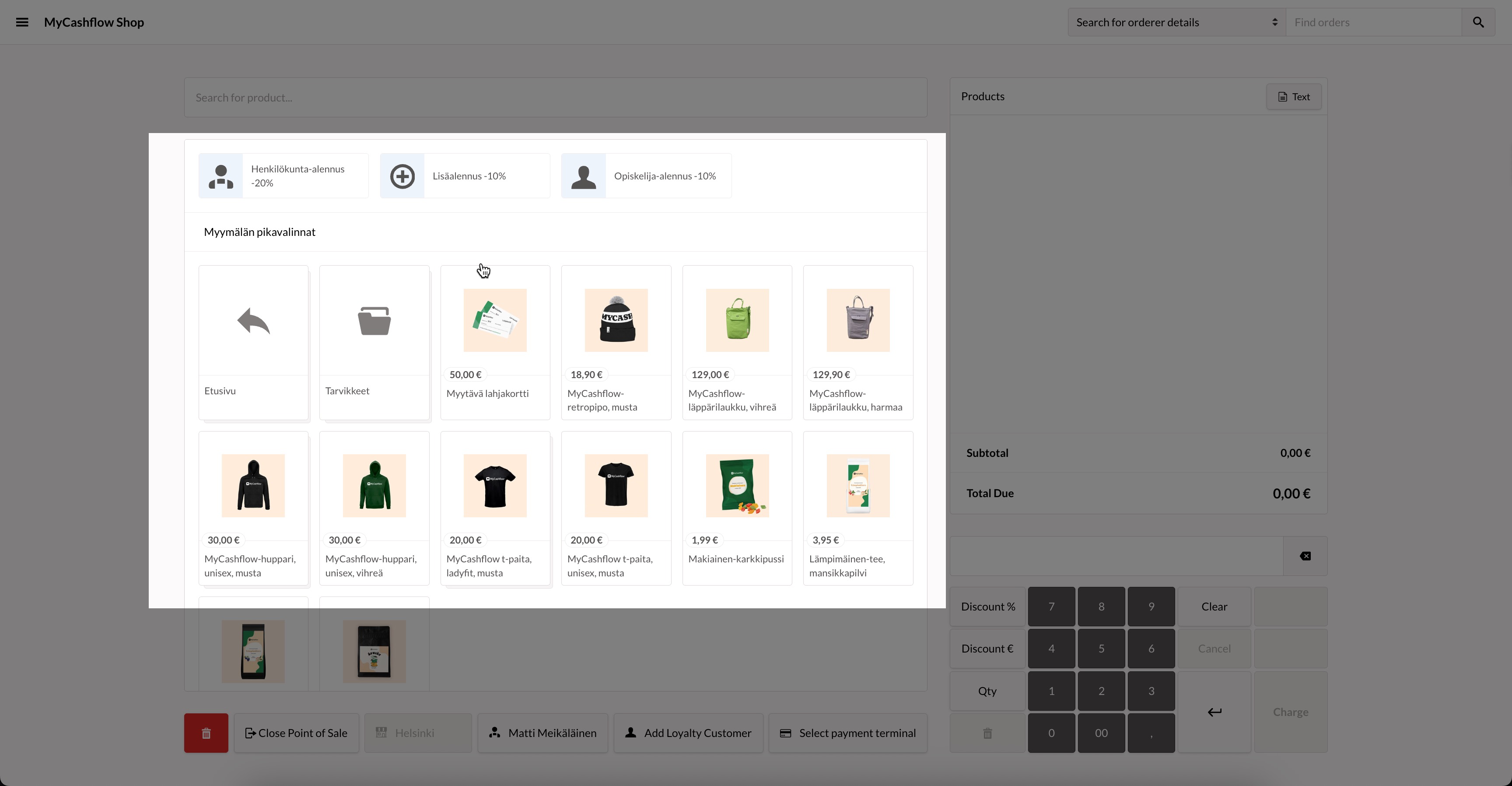
Quick selection products are defined for each point of sale using product categories.
The list shows the products and product categories that are located in the product category defined as the store version's product selection and are visible in that specific store version.
Select the quick selection product category in the POS version settings on the admin panel's page. Open the version for editing from the menu and find the Quick selection product group section on the version form.
