

When the MyCashflow POS is in use, the admin panel contains a cash regsiter report that includes daily information on cash sales, cash register, and returns. The POS page also guides the use of the checkout so that it serves reporting as well as possible.
- The cash register report includes information on daily sales and returns grouped by payment method.
- The system directs to open the cash register during the first sales transaction of the day, which creates a new, unconfirmed report.
- At the end of the day, the cashier closes the register, confirms the report, and can then print it in PDF format.
- From the report page, you can view all transactions of an individual store or payment terminal.
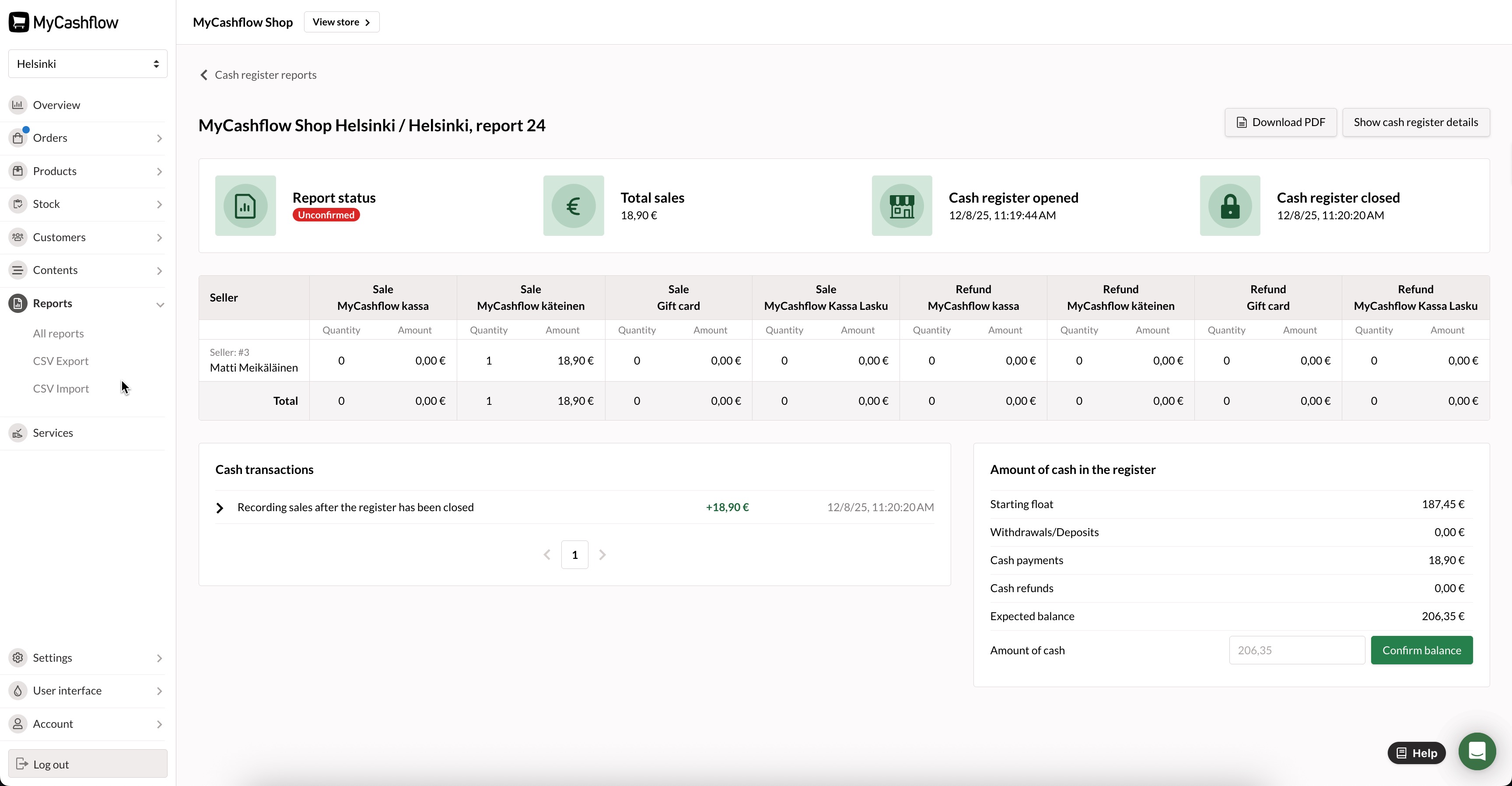
Cash reports can be found on the admin panel's page.
