

If a customer visiting your store already has an account in the online store, you can attribute the sale to their account. This is particularly useful if the online store also has a loyalty program, as this allows in-store customers to also accumulate points from their purchases.
By default, payment terminal sales are allocated to the POS customer account created in the online store during setup. However, when creating an order, you can determine yourself which customer account the sale is allocated to. Then, you can also, for example, send an order or shipping confirmation message for in-store purchases to the customer's email.
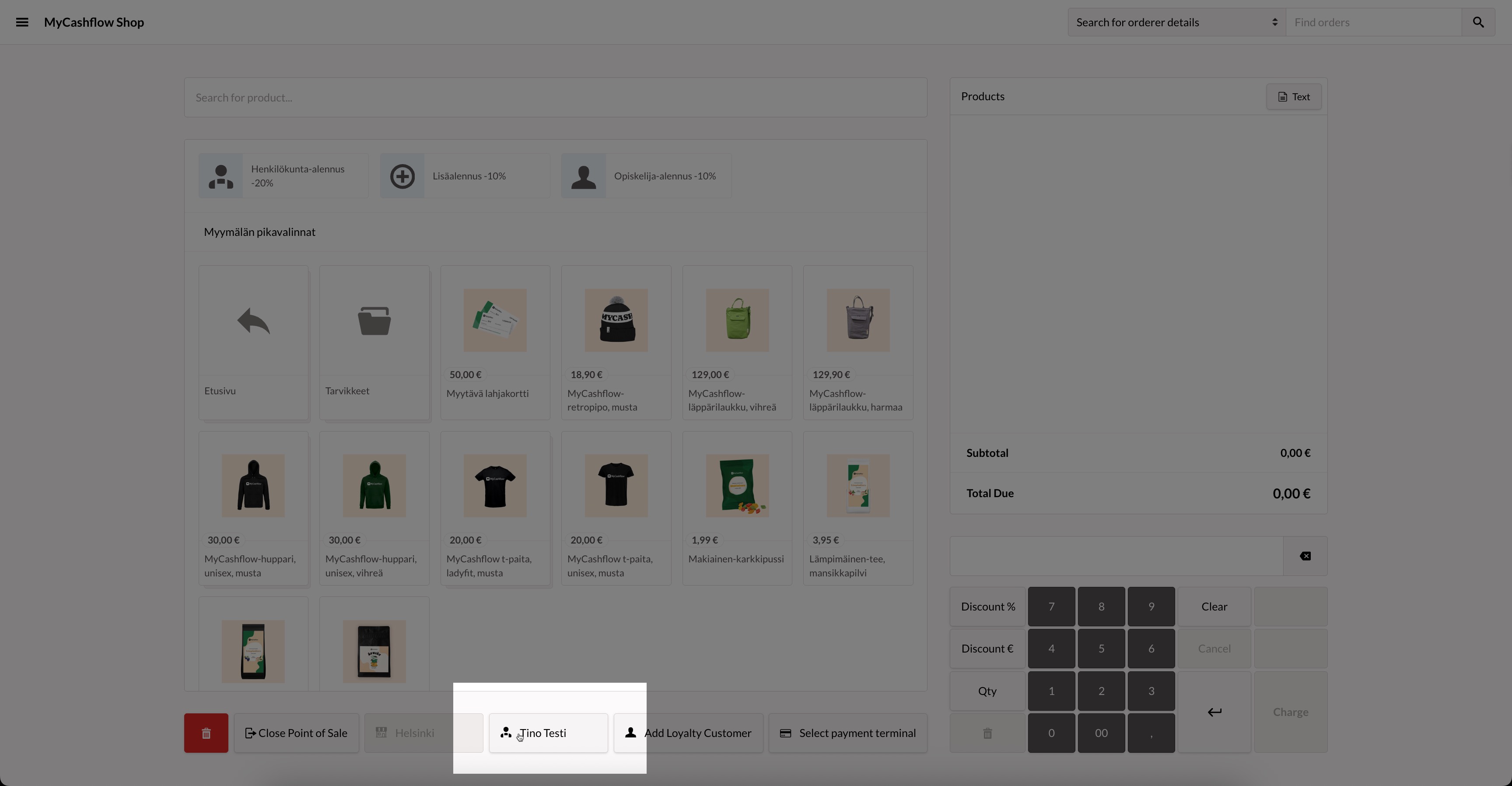
When creating a payment terminal sales transaction, you can select the customer account at the bottom of the sales page by pressing the  button and searching for the desired customer account.
Now, loyalty points are automatically credited to the customer based on the products sold when you charge the customer.
