

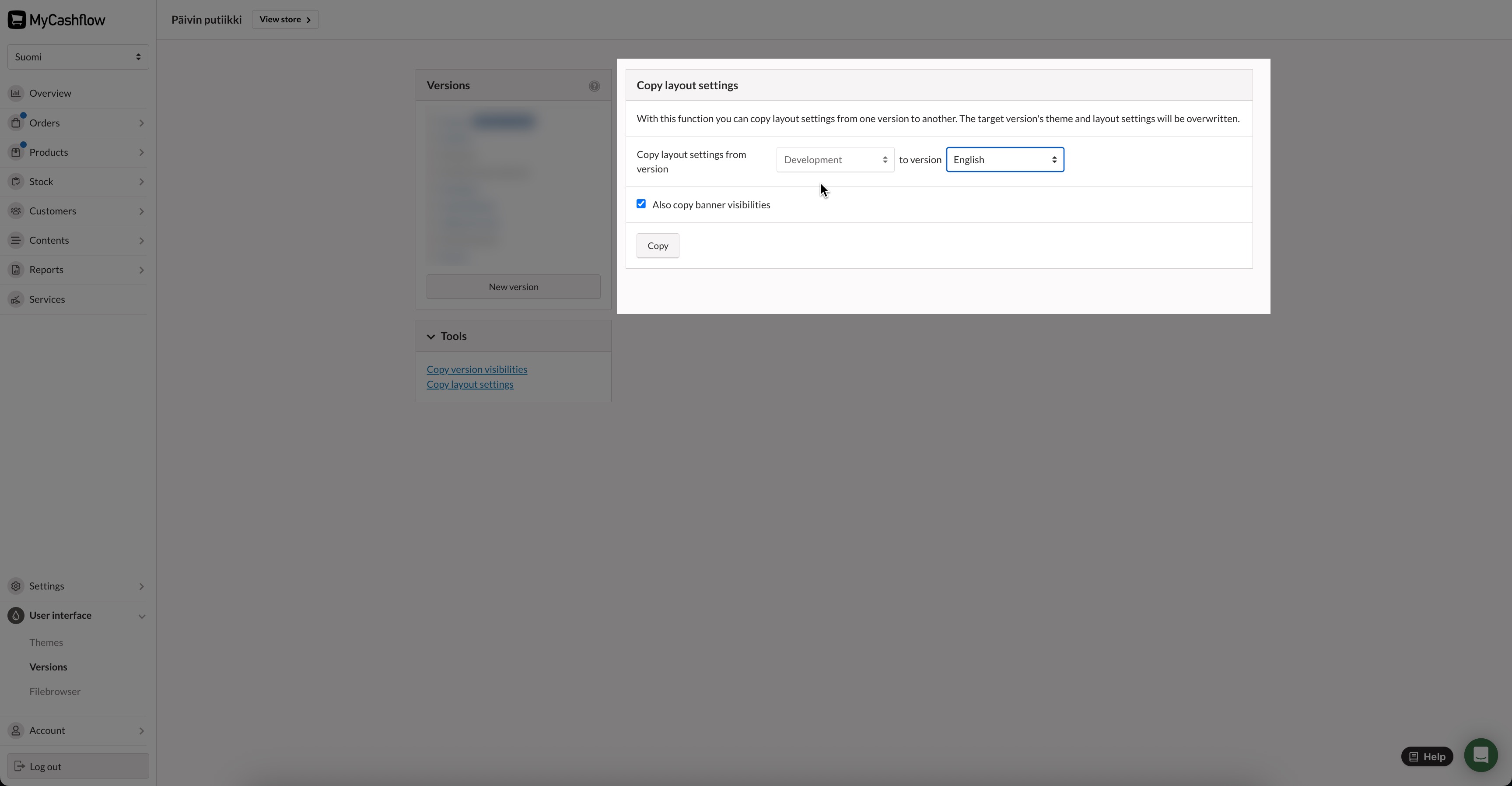
You can easily copy the theme settings, layout structure you created with the layout editor, and banner visibilities from one store version to another. This enables the development of the theme to completion in a hidden store version, and the effortless transfer of changes to the public online store.
Copying irreversibly overwrites the appearance of the target version.
Be careful when choosing the source and destination versions of your copy, especially if your online store has versions with different themes.
- Select the target version to which the settings are being copied, and press the Copy button.
If you have used banners in the design, it may be useful to also copy the visibility settings of the banners so that they all appear the same way in the target version.
The layout of the target version now matches the source version.
