You can set a critical stock balance threshold for products and variations. When the balance falls below it, they get a mark in the admin panel indicating that the stock is running out.
Defining the alarm levels for your products will help you to manage your stock proactively. To avoid delivery delays, always keep in stock your online store's most popular products.
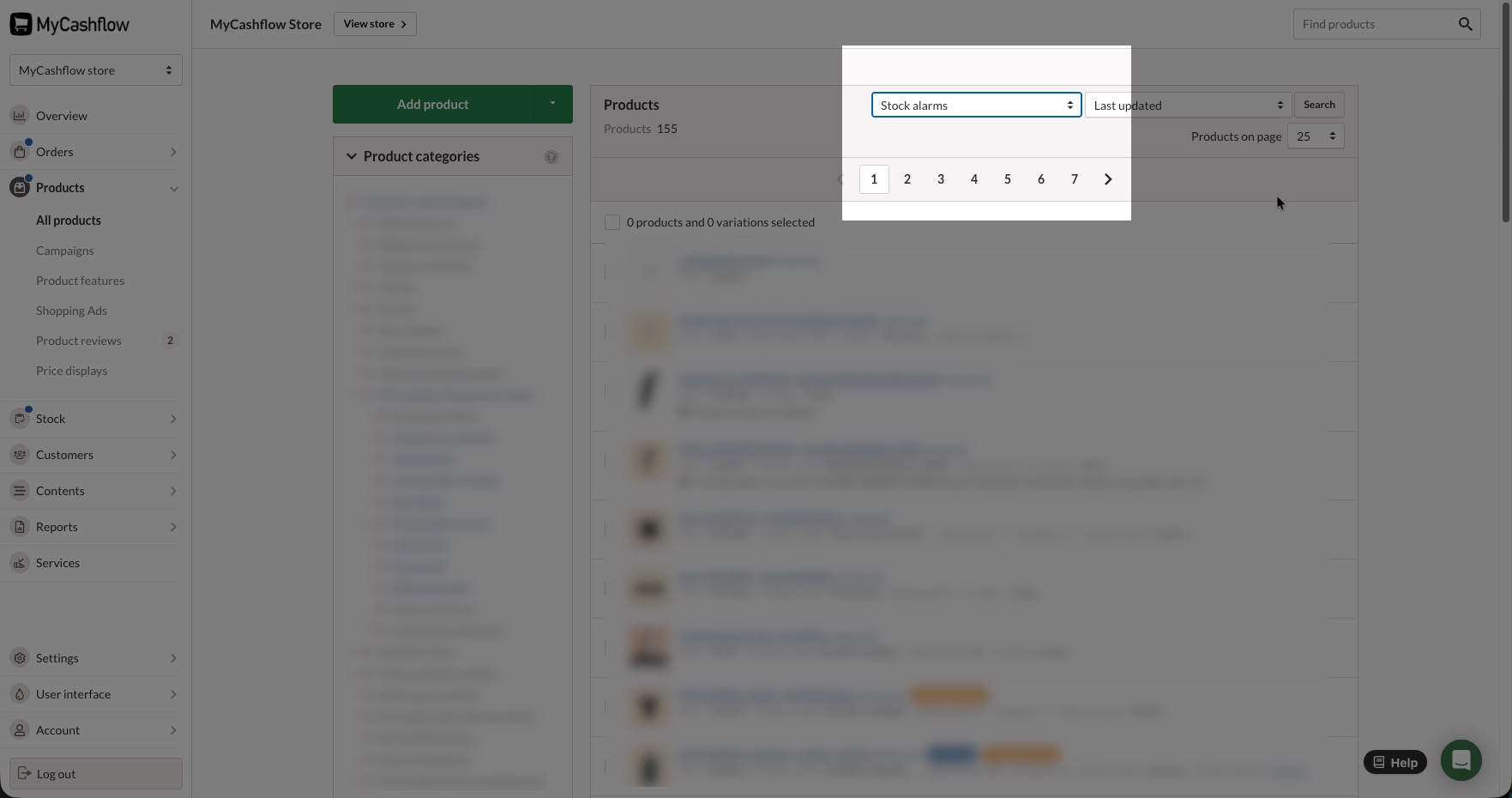
To view the products that have breached the alarm threshold, select Stock Alarms from the filter menu on the Products page.
Setting a stock alarm for a product or variation
Select the product from the list on the Products page in the admin.
The product card opens.
Go to the Stock tab on the product card.
If you want to set an alarm threshold for a variation, select it from the list.
Enable the option.
Enter the product quantity that breaches the alarm threshold into the Alarm level field.
If the product is special order, its normal stock balance is zero, but you can set the alarm threshold to -1, in which case every order placed by customers triggers a stock alarm.
Save the product.
From then on, if the product's stock balance reaches the threshold you set, an alarm threshold mark is shown next to it in the list on the Products page.